 Order & Hue
Proportion, structure and color.
Order & Hue is the studio for architects, designers and artists to get proportion, structure and color right.
Proportion systems for your creative work, and color harmonies, shades and contrast measured the way the eye sees. Free to start.
Design
Every system of proportion, on your canvas.
Ratio grids, the rule of thirds, golden and logarithmic spirals, dynamic symmetry, root rectangles, the harmonic armature, Le Corbusier's Modulor, Palladio's rooms, page canons, Swiss grids, pentagons and Penrose tiles. Sixty-six guides, each following the ratio and the canvas you set.
- Any ratio, not only the golden one: silver, root-2, 16:9 or your own number.
- Place an image under the guides, mark regions, measure, crop to a golden frame and sketch on top.
- Export layered SVG in real units, vector PDF, PNG at any size, and design tokens.
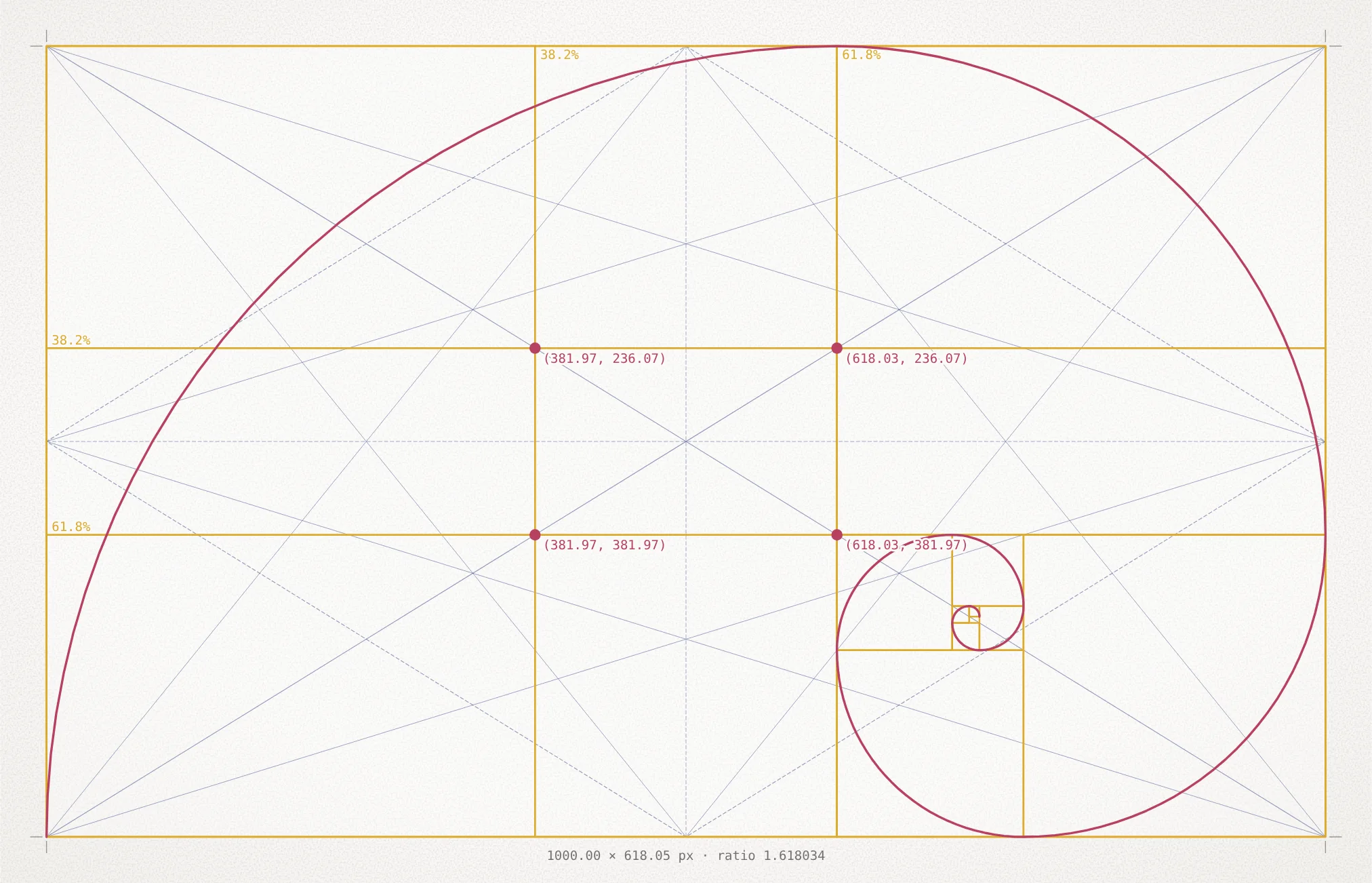
Sixteen of the sixty-six
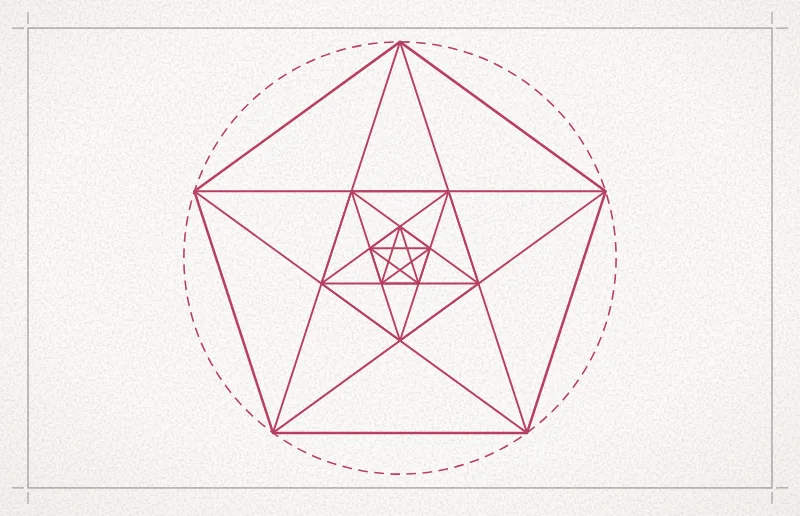
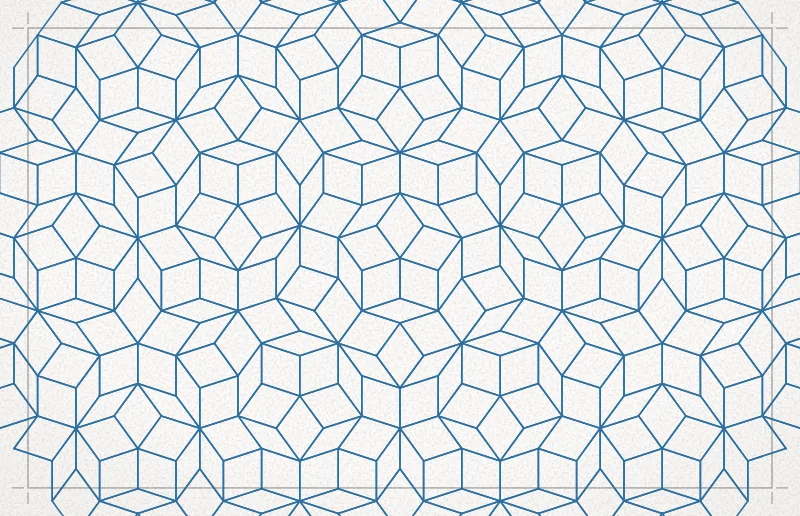
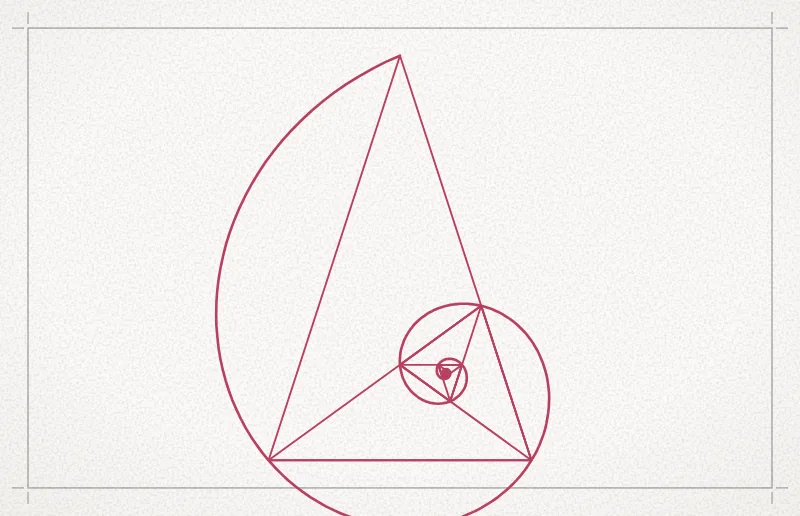
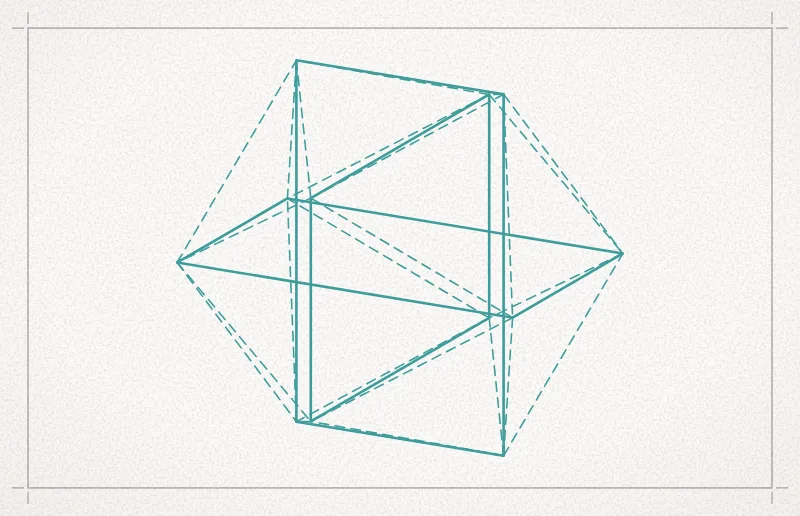
These are the guides as the app draws them, on a canvas at the golden ratio. Each is a real construction: change the ratio or the canvas and every line follows.
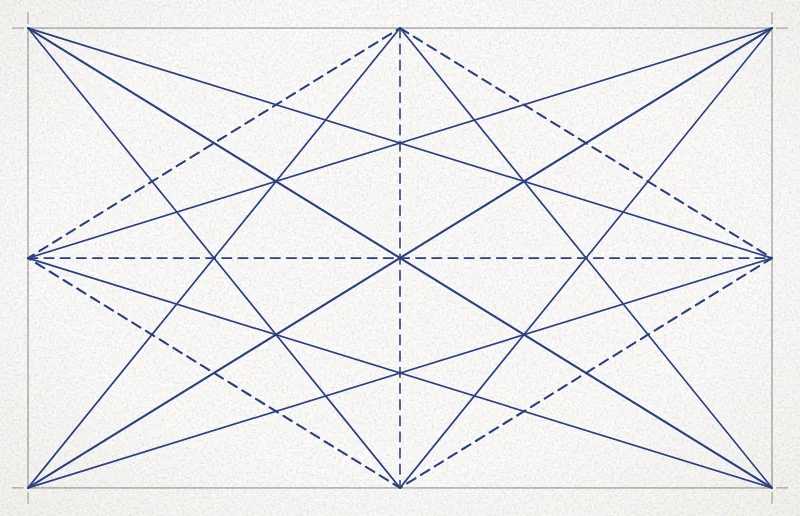
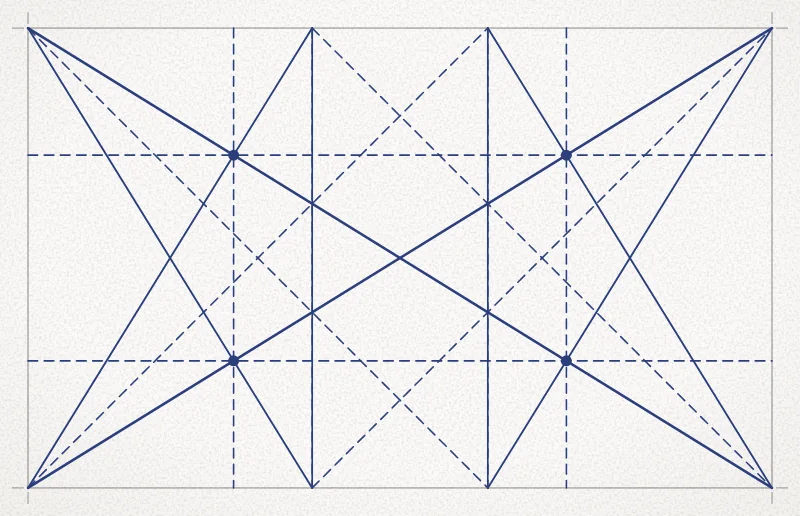
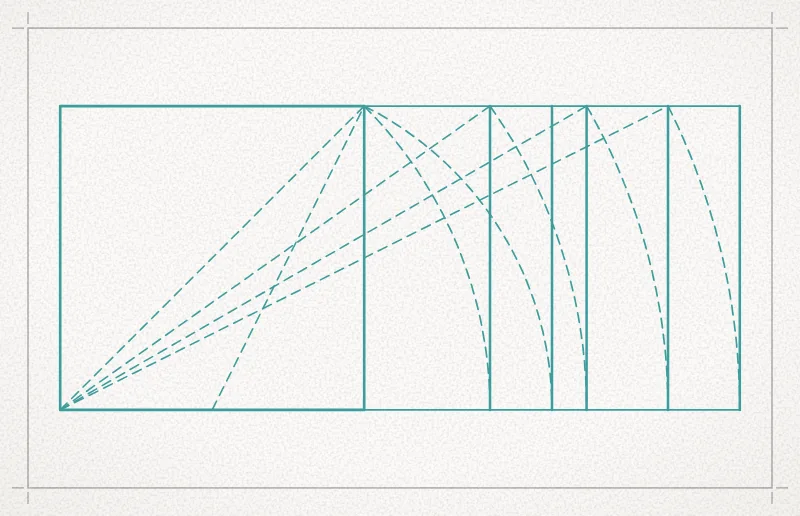
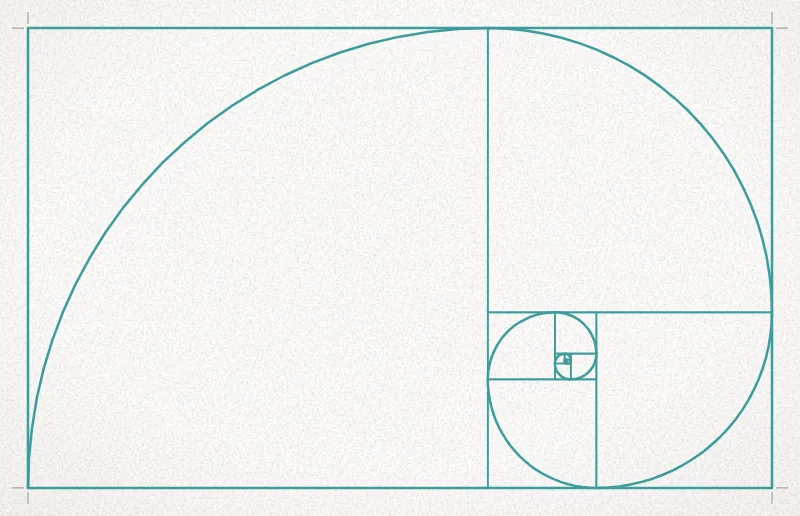
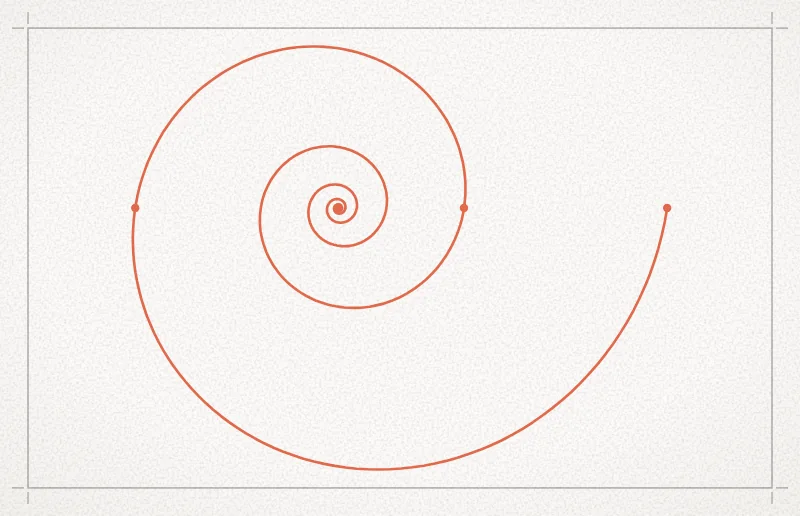
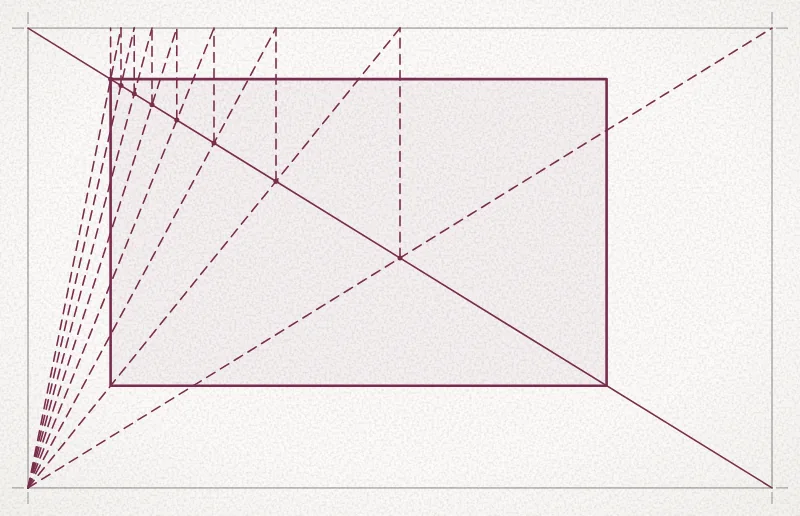
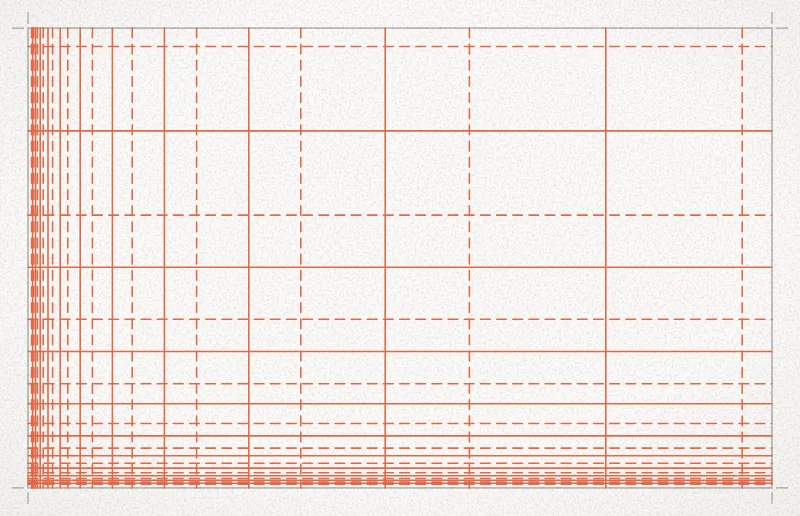
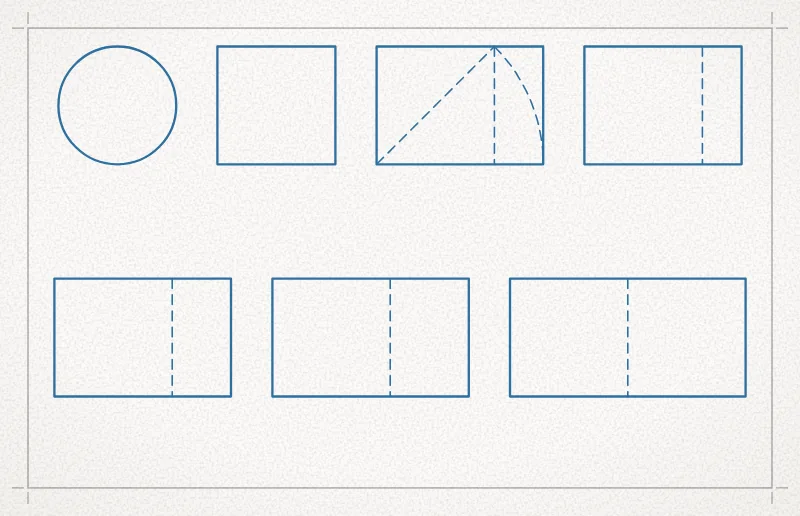
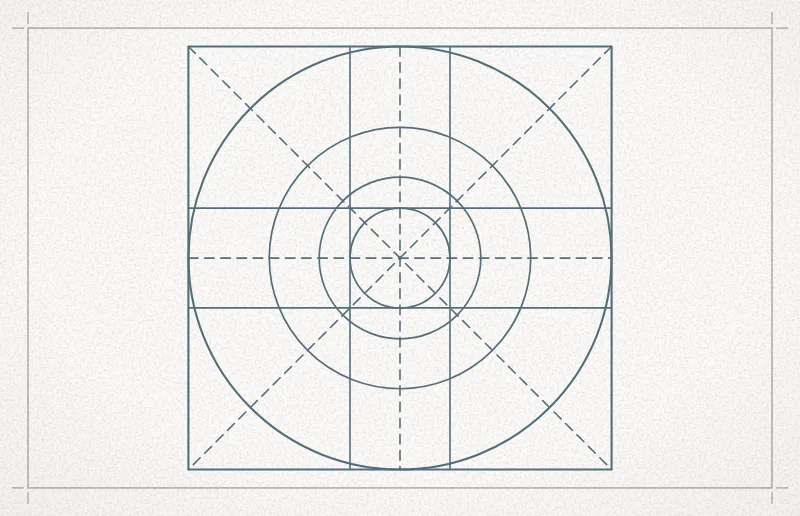
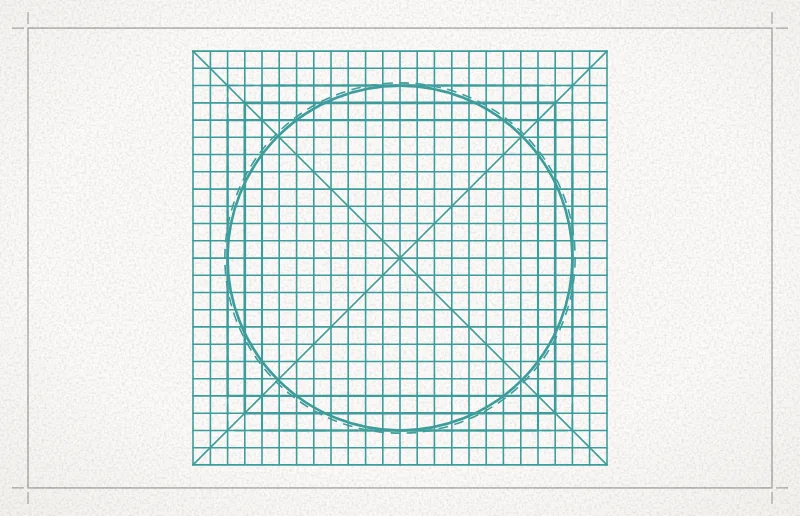
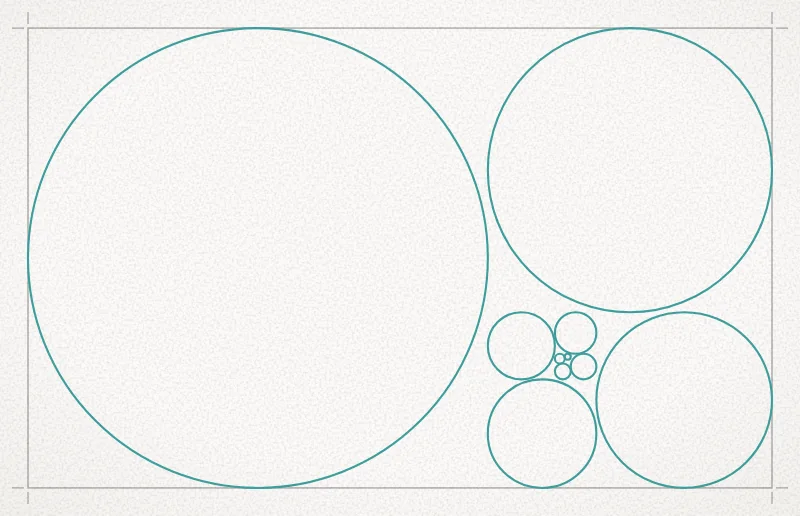
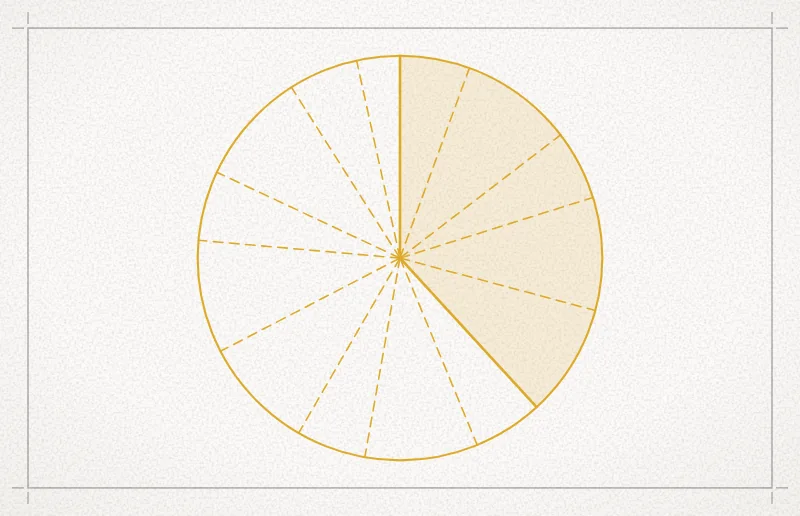
All 66 guides, by family
On the canvas
The guides are the ground. These are the tools you work over them with.
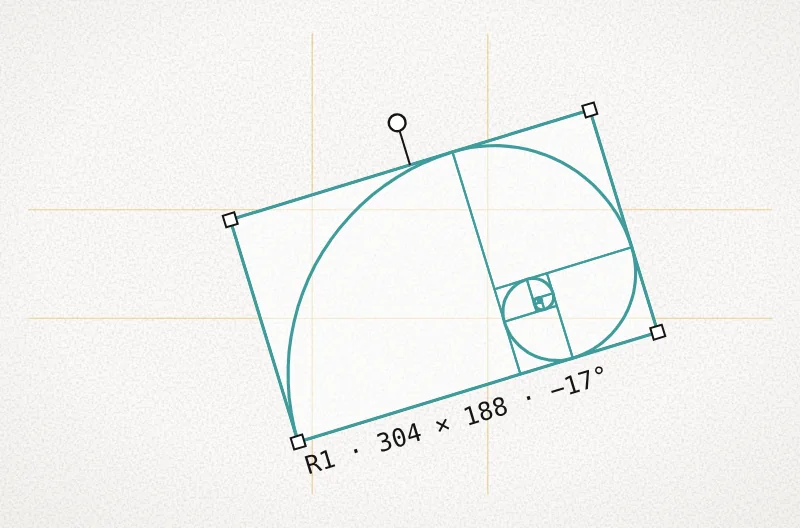
Regions
Mark any part of a layout and give it guides, a ratio and a look of its own. Resize it by its corners; turn it to any angle.
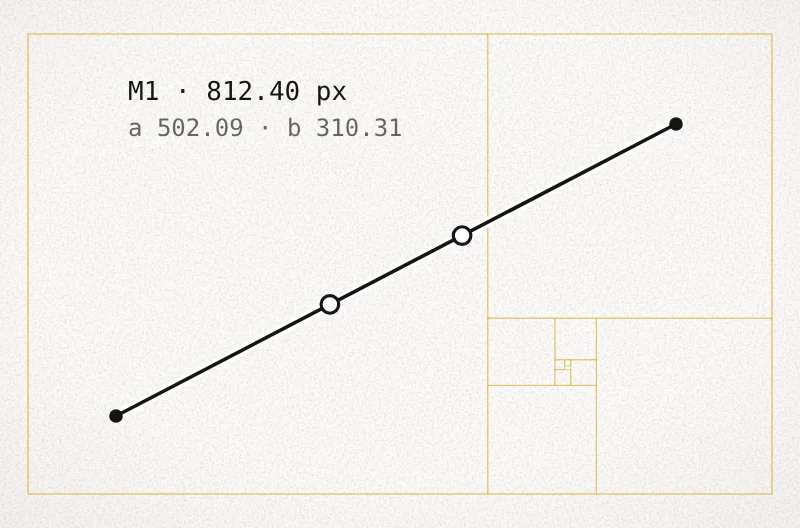
Measure
Drag a line between two points. Its dots mark where your ratio divides it, and the lengths are listed in your units.
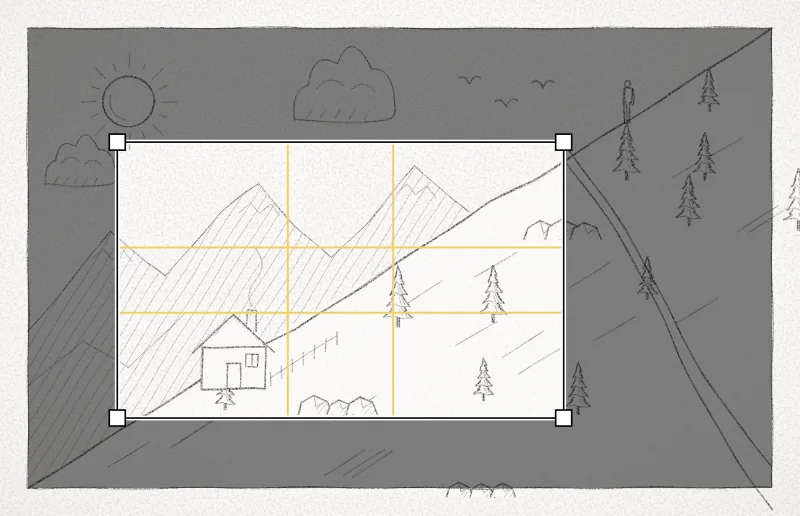
Golden crop
A crop locked to your ratio on a placed picture, with its guides inside. Export the crop or apply it.
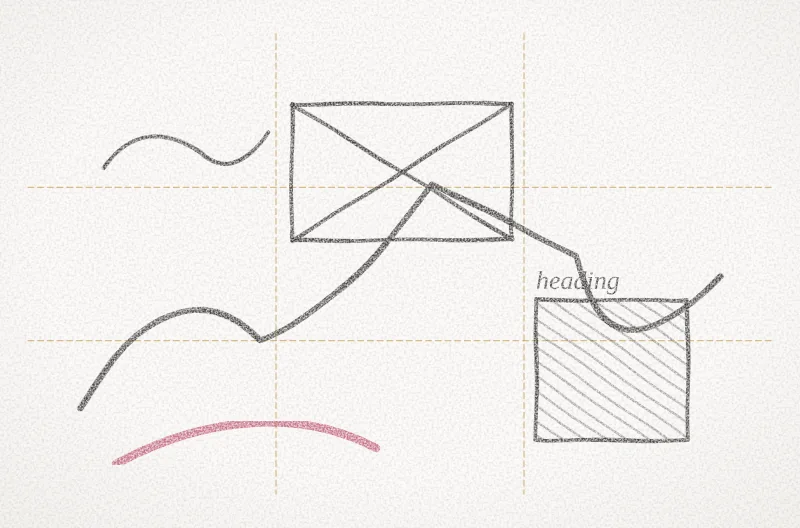
Sketch layers
Pencil and eraser over the guides. As many layers as you like, each with its own color and opacity.
Color
Color, measured the way the eye sees it.
A perceptual OKLCH picker that shows where sRGB and Display P3 end. Harmonies drawn on the wheel with the angles that make them. Tonal ramps from 50 to 950.
- Contrast by APCA or WCAG, and the palette as each kind of color vision sees it.
- Area proportions such as 60-30-10, and your palette previewed in real designs.
- Palettes from any image; export to CSS, ASE, GPL and tokens.
Tonal ramps
Eleven steps from 50 to 950, light to dark, the way design systems name them. Here, a ramp through each of the nine colors of the Order & Hue arch.
Harmonies
Schemes drawn on the wheel, with the angles that make them. Move one color and the others follow.
Chroma and hue
One lightness, from grey to the most vivid color a screen can show. Then one lightness and one chroma, all the way round.
Contrast
Every pair in a palette checked for readable text. These are WCAG 2 ratios; the app reports APCA as well.
Color vision
A palette as it is simulated for three kinds of color-vision deficiency, so colors that merge are caught early.
Area proportions
How much of each color a design carries, as in 60-30-10, tried out before the layout is built.
Then see it in use.
Swatches say little about a palette. Build a harmony, keep the colors you like, and the app paints them onto 38 finished designs, so you judge the colors where they will be used: on a screen, a logo, a poster, an illustration, a chart, a room.
- Eight kinds of design: interface, branding, illustration, type, poster, pattern, data and space.
- The palette is sorted into roles (background, text, primary, secondary, accent, highlight); set any of them by hand.
- Shuffle tries other arrangements. Light or dark background in one click.
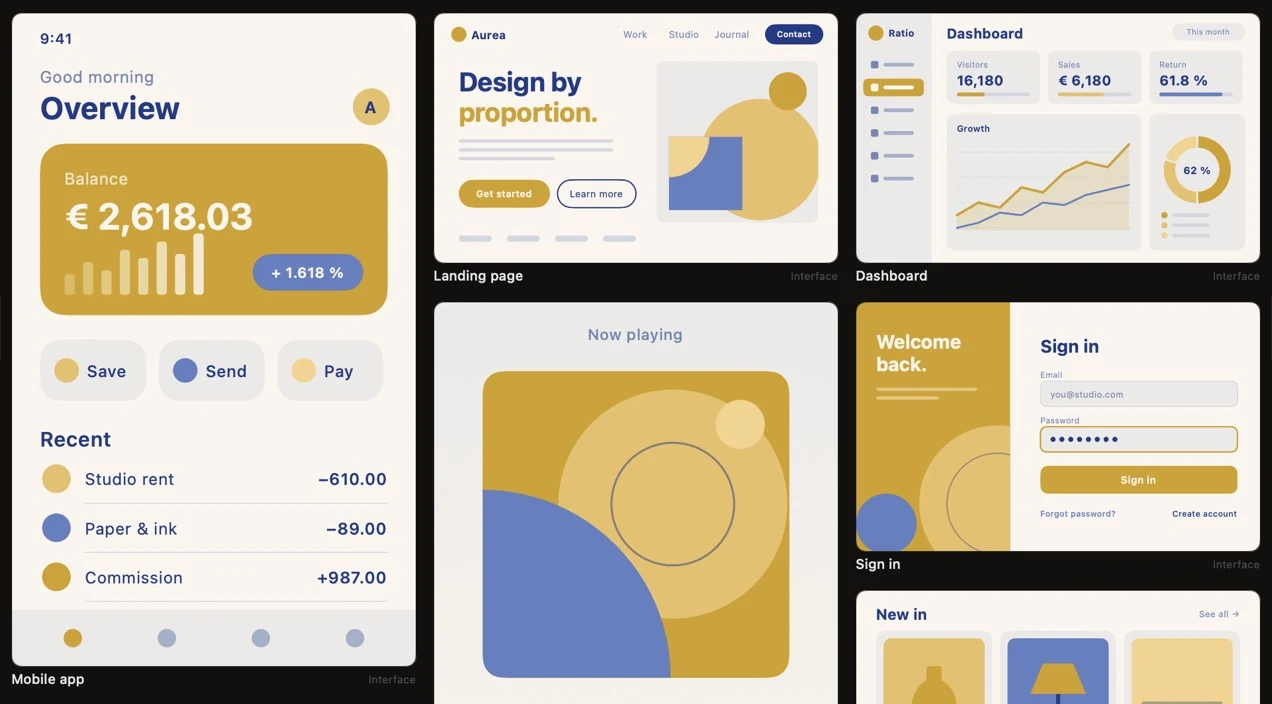
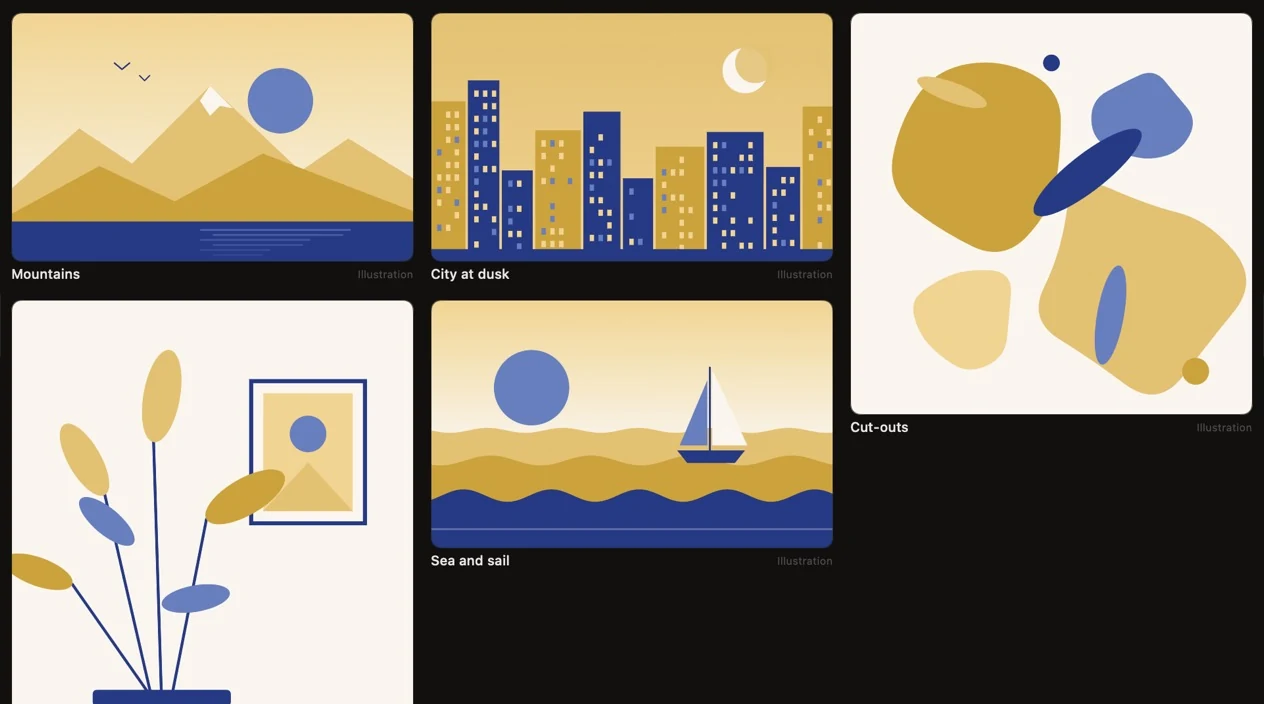
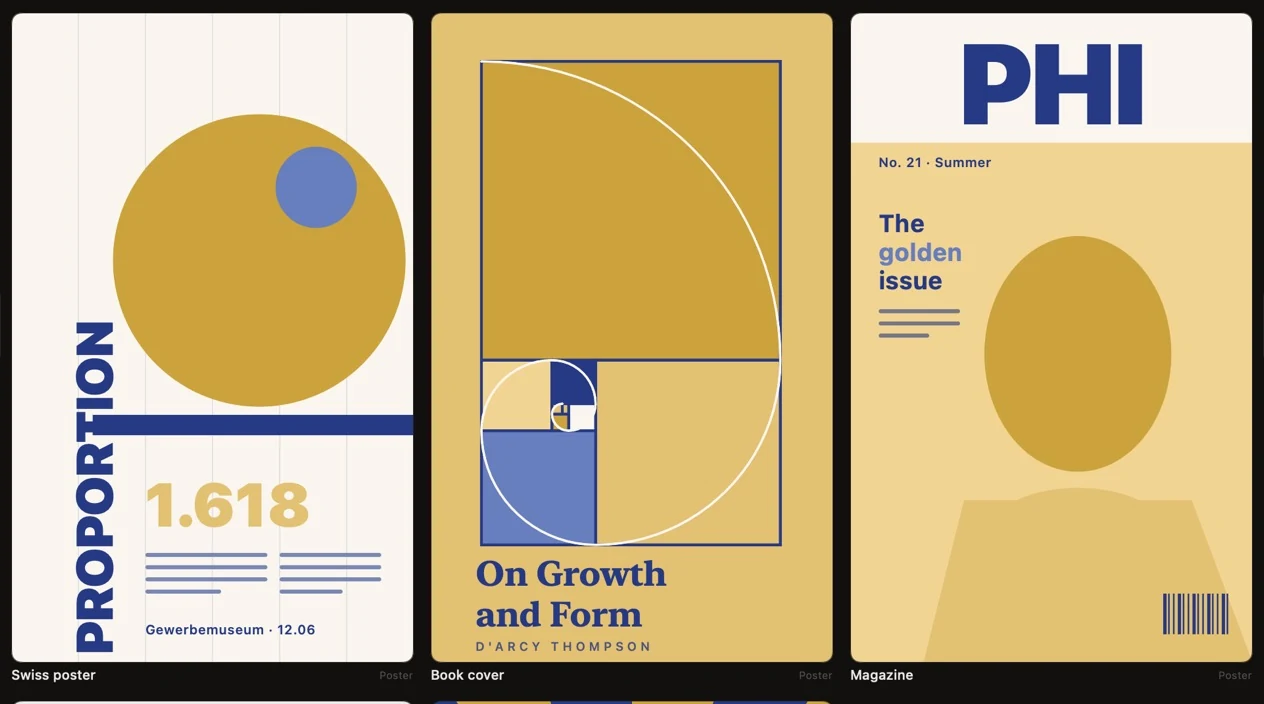
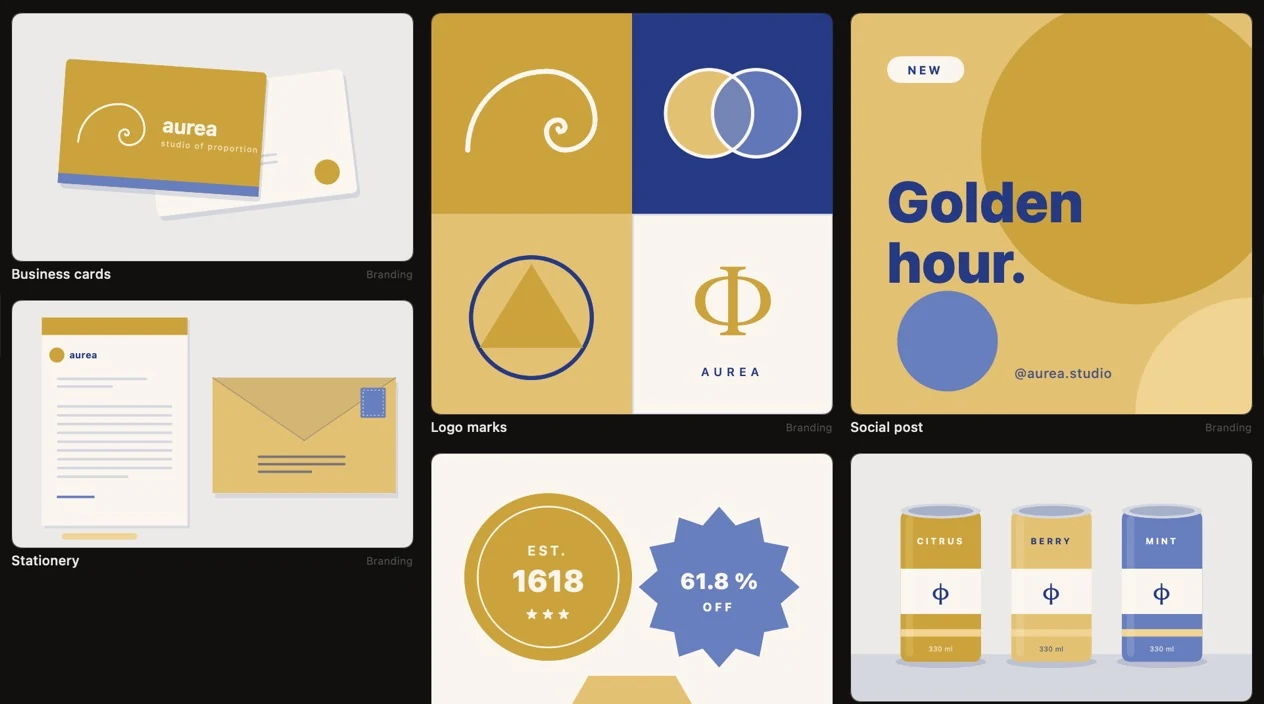
Screenshots from the app. Every design here is drawn from one palette of two colors, a gold and an indigo; the lighter tones are shades the app mixes from them.
Lessons
Sixty-six lessons that tell you what is true.
Every guide has an illustrated lesson: what it is, how to use it, and where you meet it. Each example is a pencil drawing with the real guide laid over it, and each carries a label, so you know which stories about proportion hold up and which are only repeated.
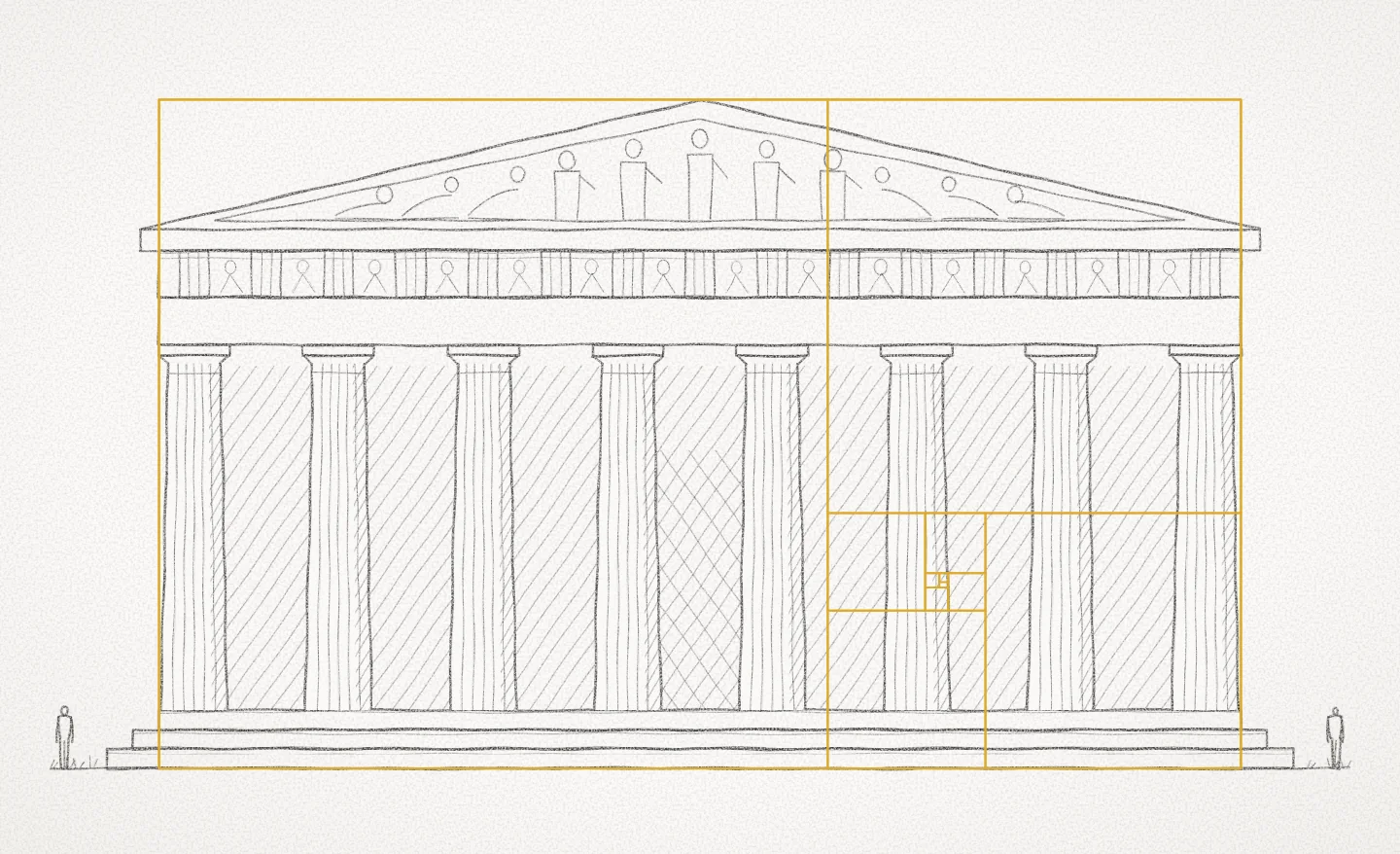
The Parthenon
Often drawn over the Parthenon. The rectangle fits only with the width taken at the top step and the height from the ground; measured studies find the proportion the builders repeated was 4 : 9.
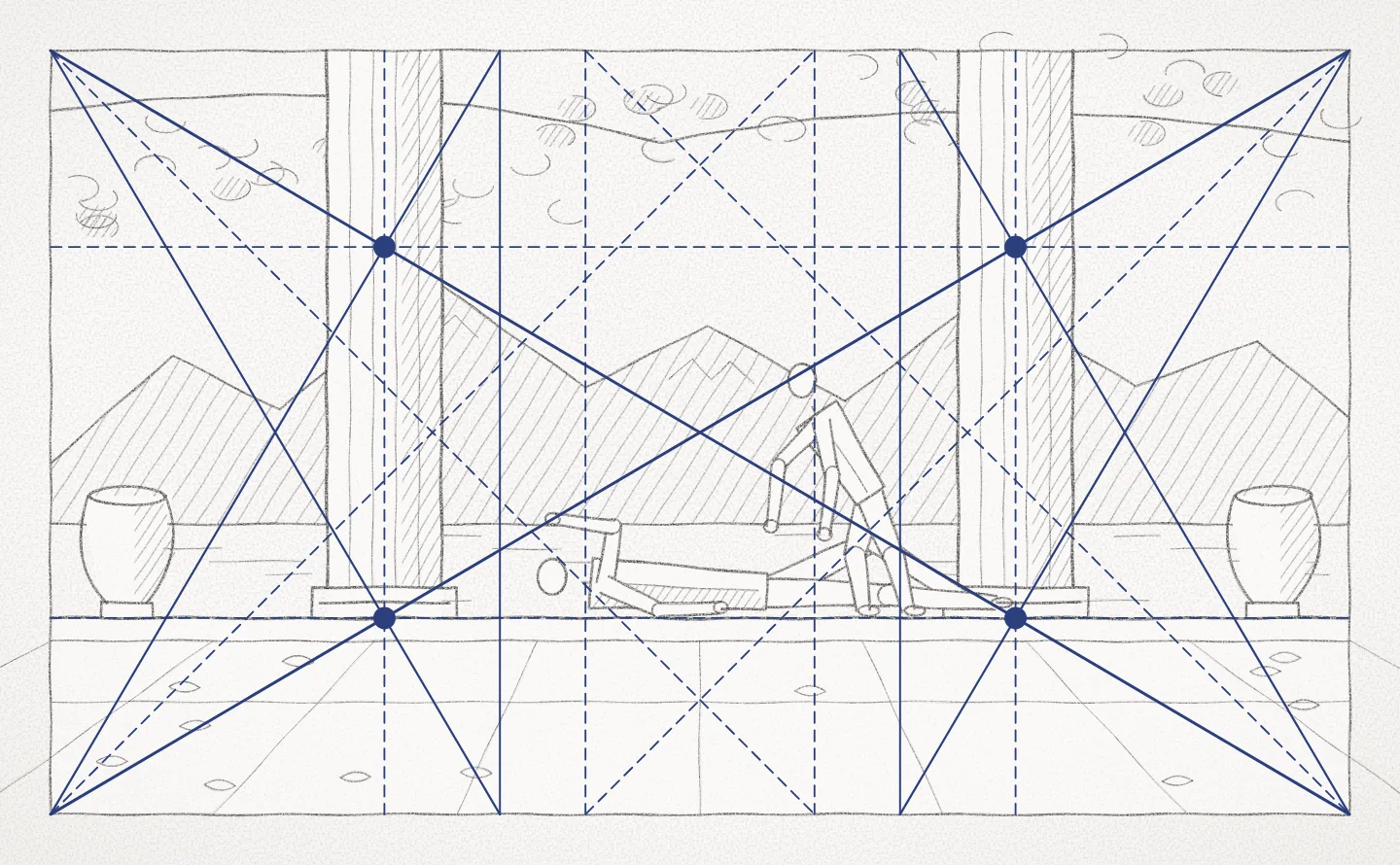
Parrish's Daybreak
Maxfield Parrish arranged Daybreak (1922), one of the most reproduced pictures of its century, on dynamic symmetry. A sketch after it: columns on the uprights through the eyes, the floor on a cross line.
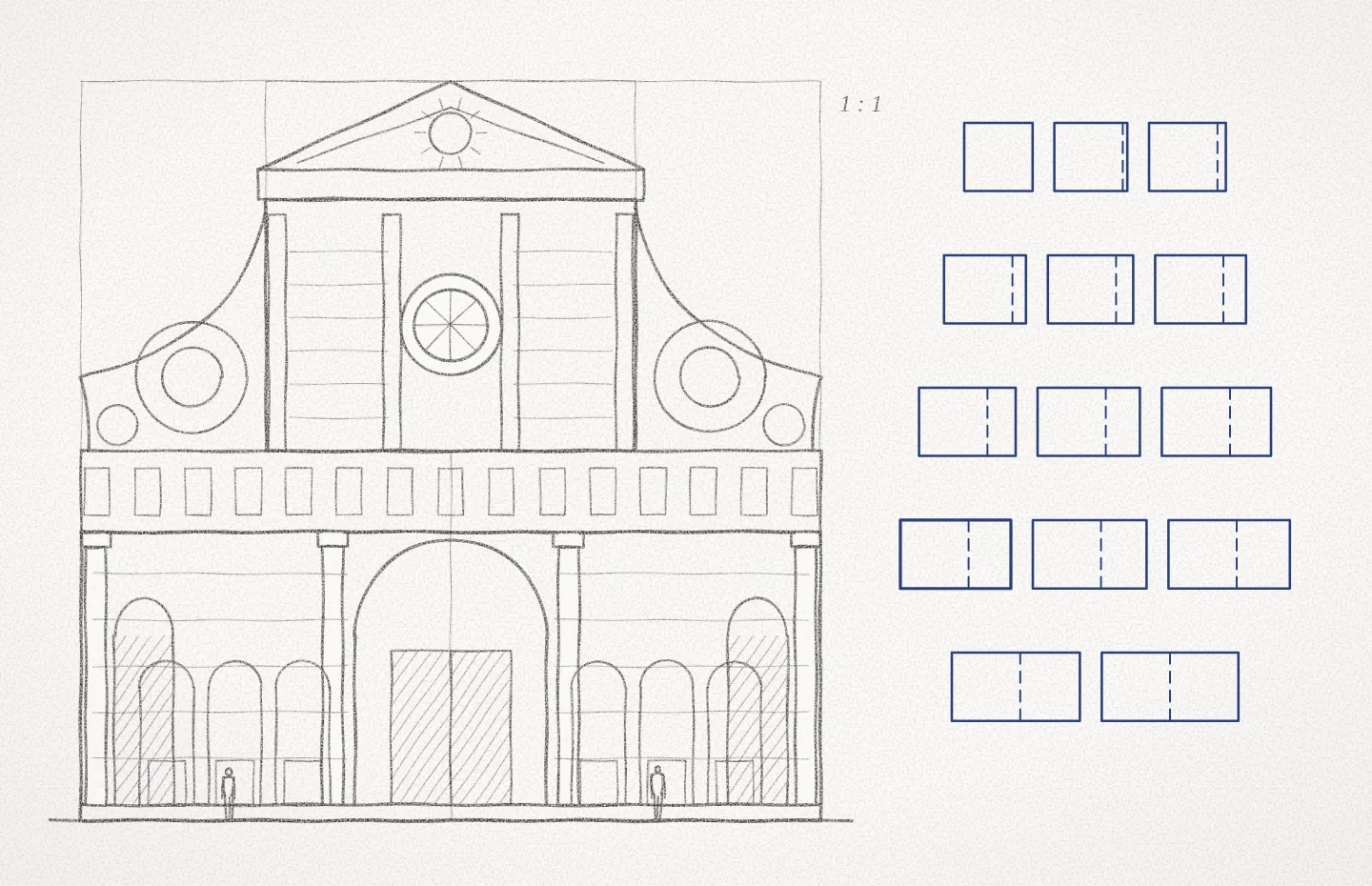
Santa Maria Novella
Alberti wrote that buildings should take their proportions from musical harmony. Rudolf Wittkower's study of his church front in Florence (finished 1470) found the whole fits a square and the lower storey two squares: 1 : 1 and 1 : 2.
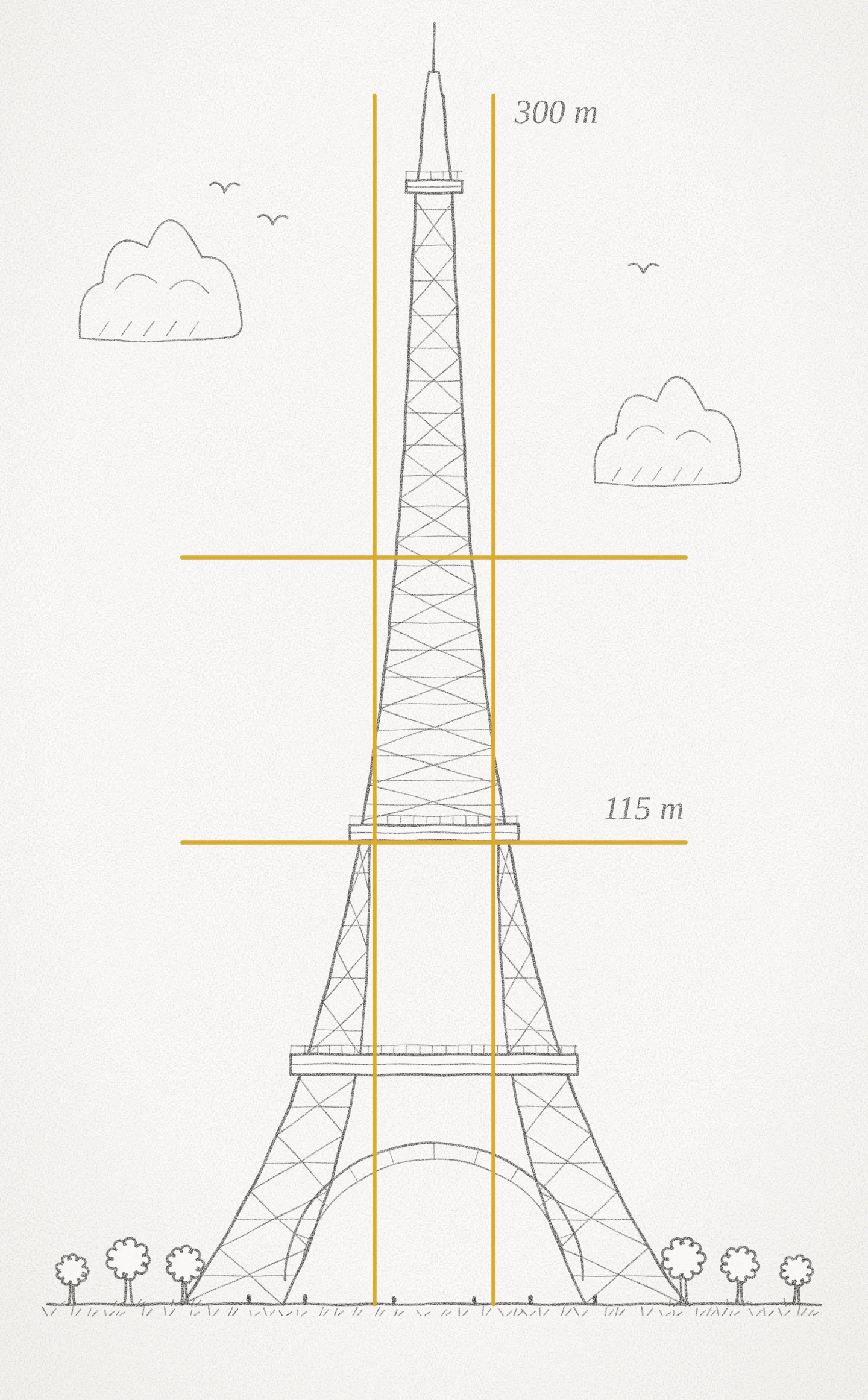
The Eiffel Tower's second platform
The second platform stands 115 m up the tower's 300 m — 38 % of the height. A fit you can measure, not a plan: Eiffel explained the tower's shape by wind loads.
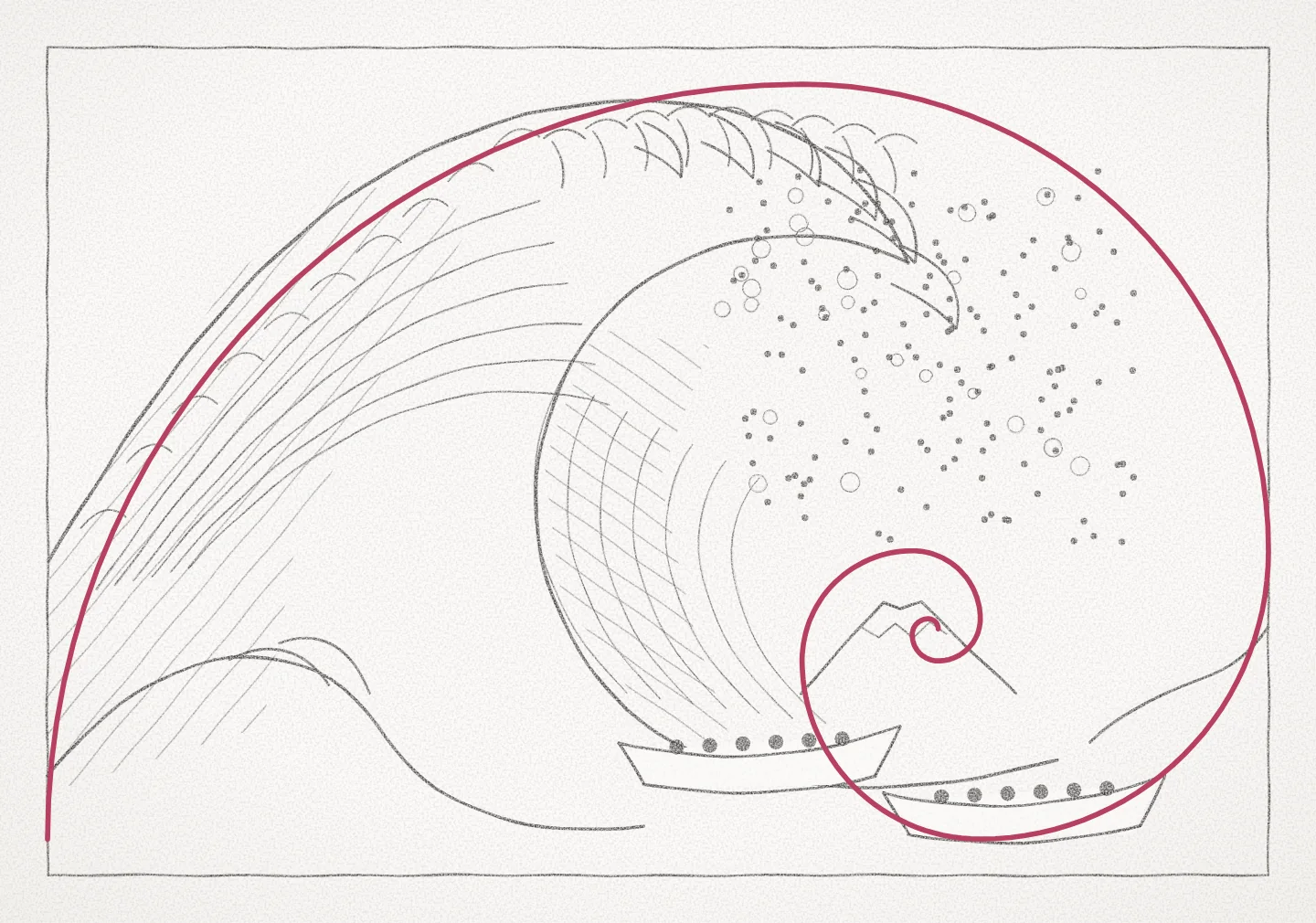
Hokusai's Great Wave
Often laid over the Great Wave (c. 1831). The print is not a golden rectangle (about 1.47 : 1) and nothing suggests Hokusai used the spiral — but the curl does lead the eye to a small Mount Fuji.
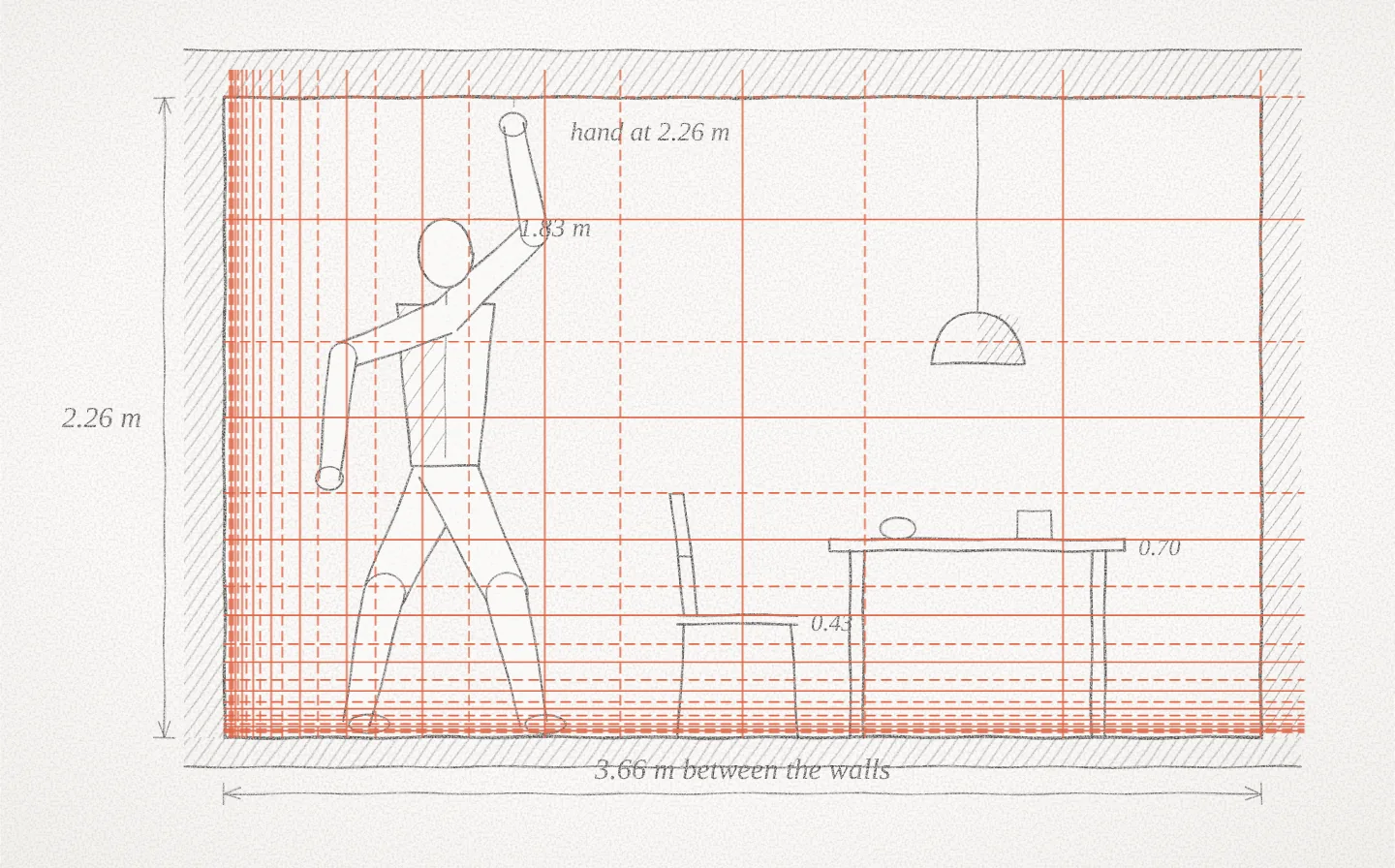
The Unité d'Habitation
One bay of Le Corbusier's Marseille block (1952), cut through: 3.66 m between the walls and 2.26 m from floor to ceiling — as high as a man of 1.83 m reaches with his arm raised. Both are values of the blue series.
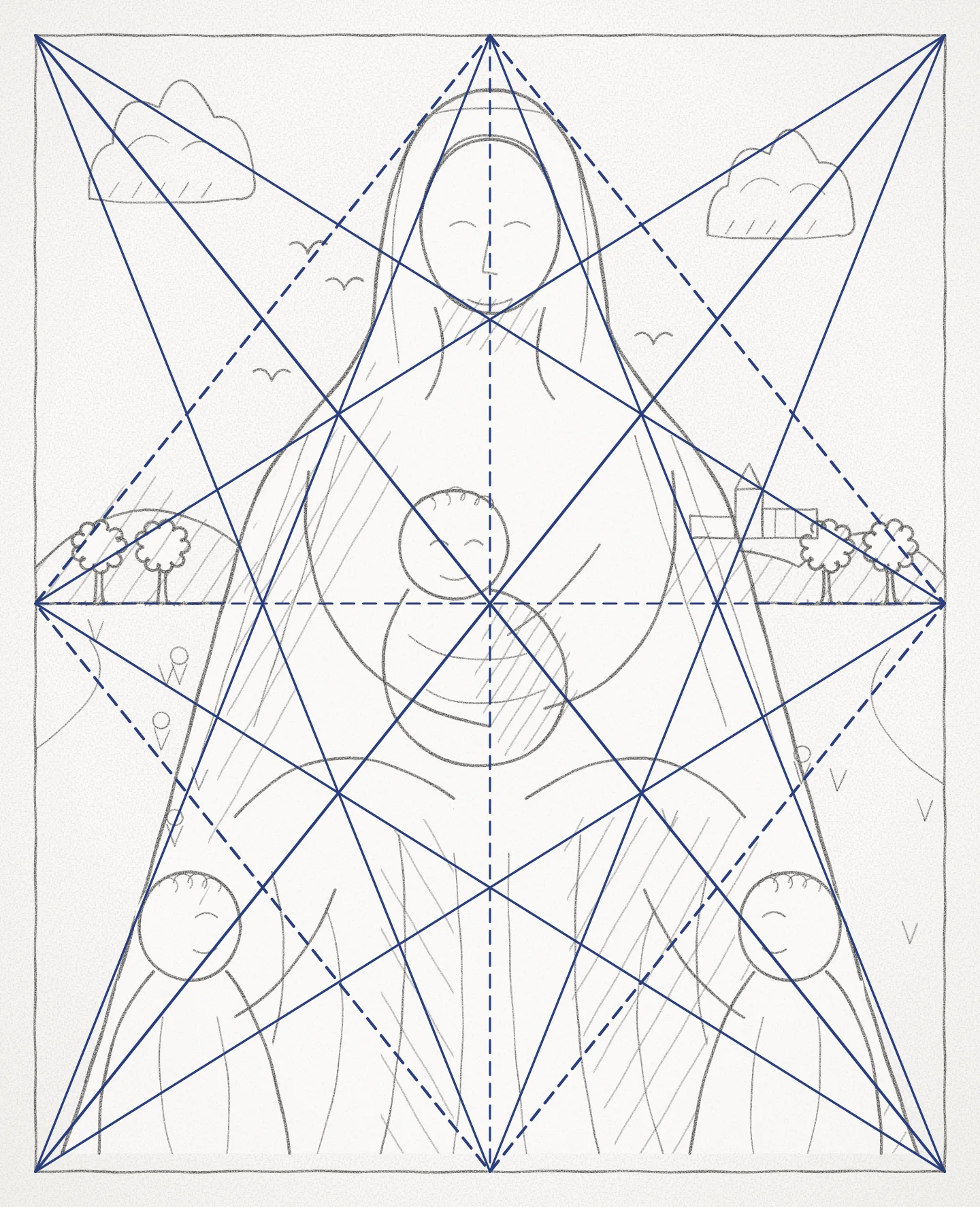
A pyramid of figures
A group built as a triangle, as in Leonardo and Raphael: its outline follows the lines from the lower corners to the top centre, its horizon the middle line. Charles Bouleau traced such armatures in classical paintings (1963).
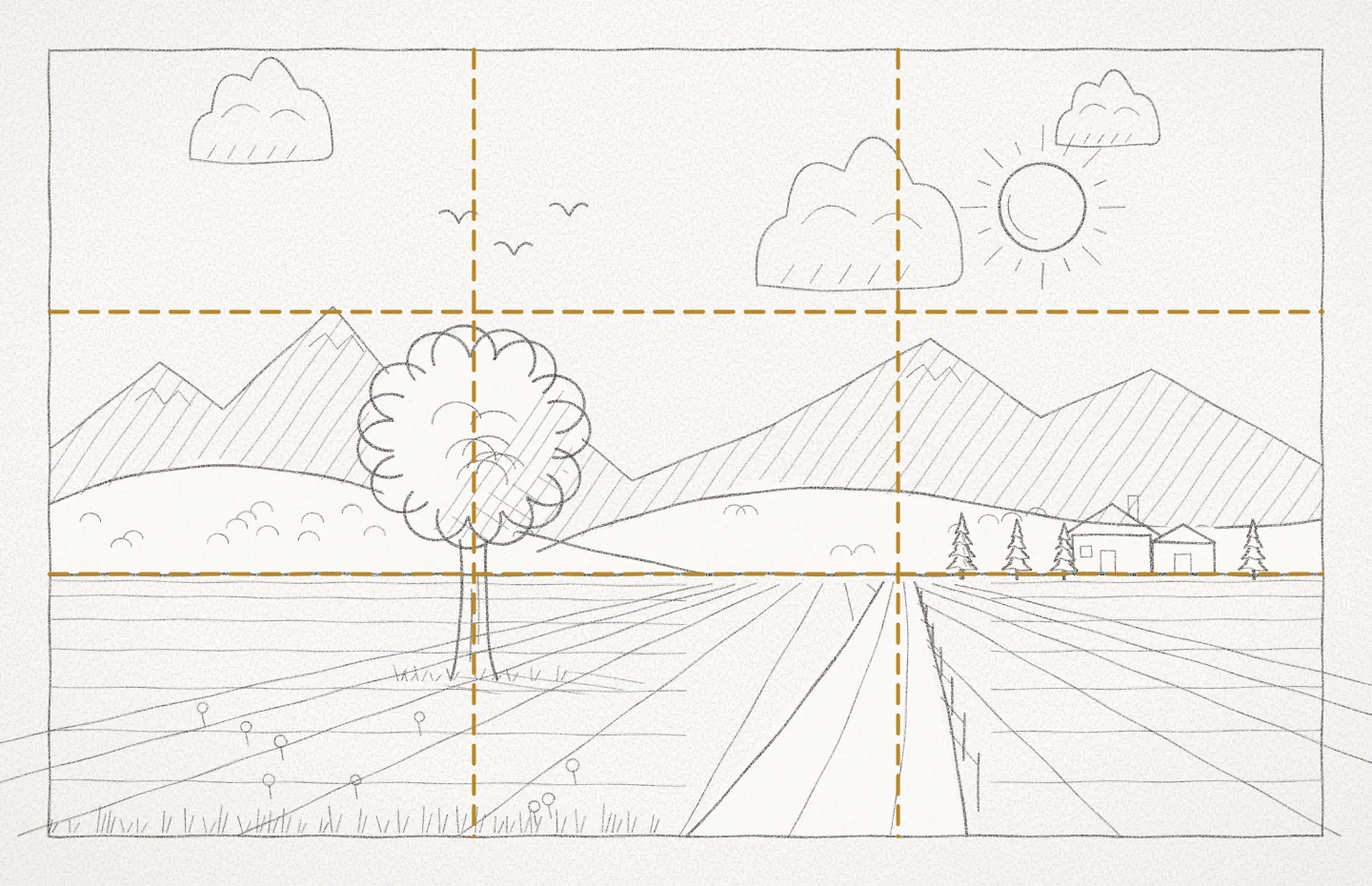
A landscape
Smith's own advice: two thirds of one element to one third of another. Here the sky takes two thirds and the land one, and the tree stands on the left line.
Eight plates out of 142, exactly as they appear in the app. All 66 lessons are free to read, on every plan.
Plans
Free to start. One plan for everything.
Free
$0
No time limit.
- 8 essential guides
- Measure tool and color picker
- Palette of 5 colors
- PNG export up to 1280 px
- All 66 lessons
Design
$22.99 / year
or $3.99 / month
or $49.99 once, no renewal
- All 66 guides
- Images, regions, golden crop, sketch layers
- Screen overlay
- SVG, PDF, full-size PNG, tokens
Color
$22.99 / year
or $3.99 / month
or $49.99 once, no renewal
- Harmonies, ramps and area proportions
- Accessibility checks
- Previews in real designs
- Palettes from images, palette export
Studio
$34.99 / year
or $6.99 / month. 14 days free.
or $79.99 once, no renewal
- Everything in Design
- Everything in Color
- One plan for both sides
Rather pay once?
Every plan is also sold as a lifetime purchase: one payment, no subscription and nothing to cancel.
Prices in US dollars; the App Store shows the price in your own currency, with tax where it applies. Subscriptions renew automatically until cancelled and are billed by Apple to your Apple Account. The 14-day free trial belongs to the Studio subscription; a lifetime purchase is charged when you buy it. Purchases are made inside the app.
Questions
Before you ask.
Do I have to subscribe?
No. Design, Color and Studio are each sold as a subscription or as a one-time lifetime purchase: $49.99 for Design or Color, $79.99 for Studio. You pay once and the plan stays unlocked, with no renewal.
How does the free trial work?
Studio starts with 14 days free. If you do not cancel before the trial ends, the plan you chose begins and Apple charges your Apple Account. Cancel during the trial and nothing is charged.
How do I cancel?
In the App Store on your Mac, click your name, then Account Settings, then Manage beside Subscriptions. Or in the app, choose Order & Hue ▸ Manage Subscription. You keep the plan until the end of the period you paid for.
Can I get a refund?
Purchases are sold by Apple, so refunds are requested from Apple at reportaproblem.apple.com.
What happens to my work if I stop paying?
Nothing is taken away. Your files open as before and everything in them stays visible. The tools of the plan you left are locked until you return.
Does the app collect my data?
No. There is no account, no analytics and no advertising. Your designs stay in the files on your Mac. See the privacy policy.
Is there a version for iPad or Windows?
Order & Hue is a Mac app today. An iPad version is in development, and one plan will cover both. There is no Windows version.